
Clarity DEMO
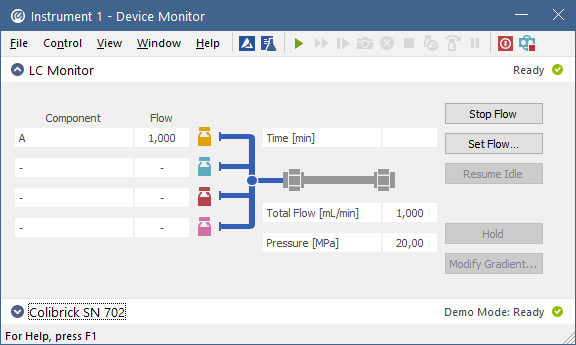
Clarity DEMO is based on the Clarity INTEGRITY edition and allows you to explore its functionality in a simulated environment. Data acquisition and related procedures are emulated, so no physical instrument is required.
Essential features
- Explore Clarity INTEGRITY workflows in a simulated environment.
- Set up supported control modules and simulate data acquisition without connecting physical instruments.
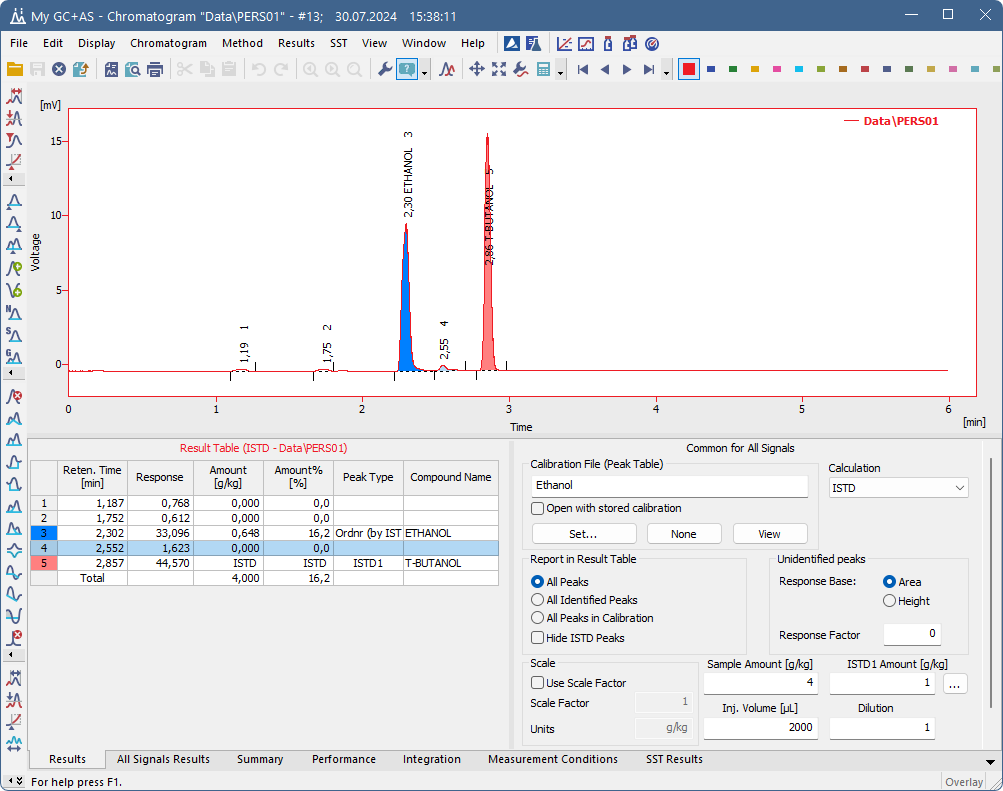
- Use prepared demo chromatograms to evaluate data processing, reporting, and other Clarity INTEGRITY features.
Download Clarity DEMO
Register now to access the Clarity demo version and discover its powerful features!
Once you complete your registration, you'll receive an email with the download link. If you have any questions or need assistance, feel free to reach out.
Comparison table
In Clarity Demo, you can try everything that Clarity can offer in the simulated environment, for details see the Comparison table.
 |  | |
1000+ instruments available | simulated control | real connection |
Acquisition | simulated data | real data |
Data import | ||
Data processing | demo data | real data |
Hardware key | not required | |
Extensions | all available | purchased only |
Extensions in Clarity DEMO
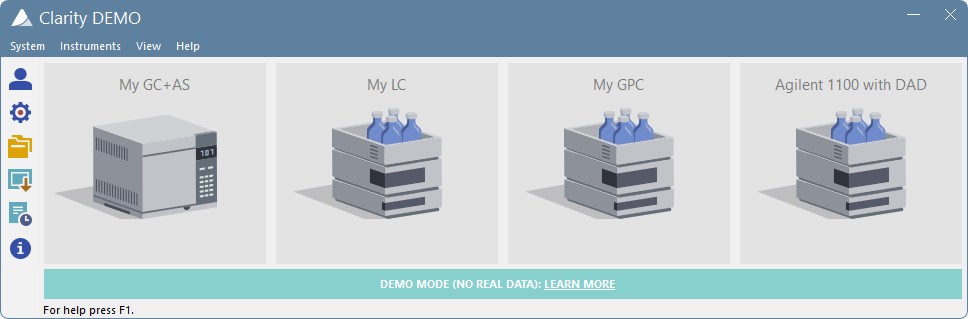
Clarity DEMO opens with four default projects: GC, LC, GPC and LC-PDA.
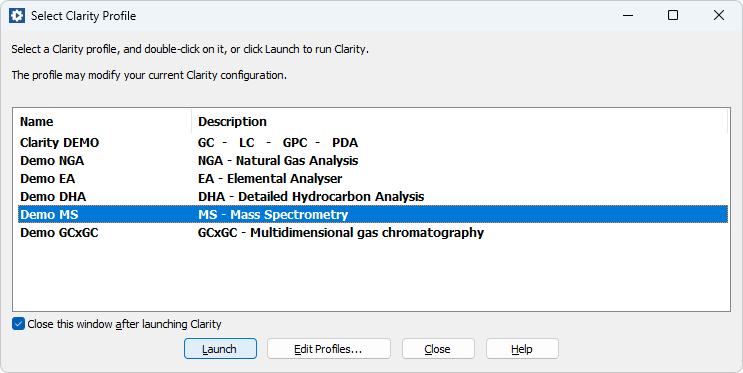
Additional prepared projects are available for other Clarity extensions, including EA (Elemental Analysis), NGA (Natural Gas Analysis), DHA (Detailed Hydrocarbon Analysis), and MS (Mass Spectrometry).
Use the Launch Manager utility to start Clarity with the selected demo project and its predefined configuration. Here, you select the demo project you want to launch and try out.
To evaluate your own chromatographic data, contact us at support@dataapex.com.Because direct data import is not available in Clarity DEMO, we can prepare DEMO-ready chromatograms from AIA files (*.cdf) or ASCII text files containing chromatographic signal values.